
Frequently Asked Questions
Answers to the questions we hear most often about how Tradex GPT organizes market data, how access works, and what the platform is designed to do.
What Tradex GPT is — and isn't
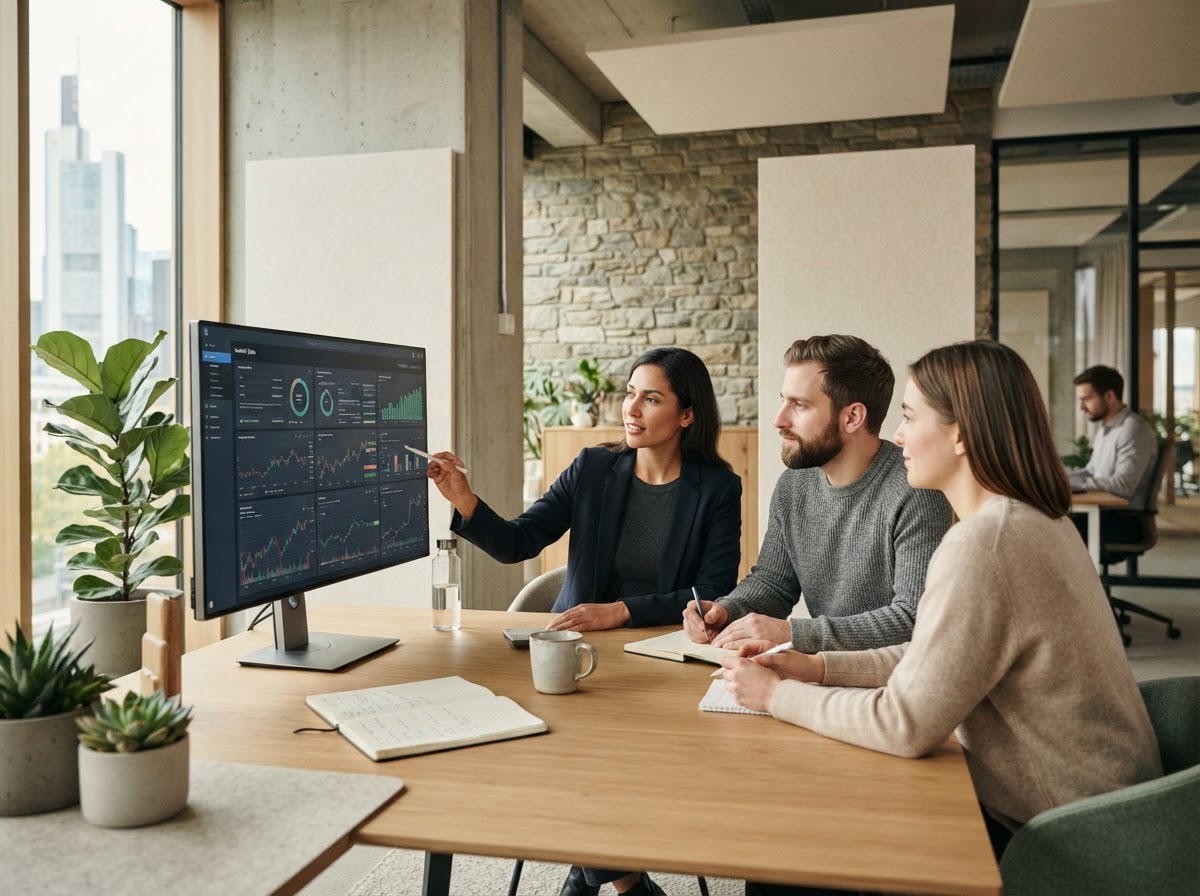
Tradex GPT brings together market data feeds, screening tools, and portfolio views into one dashboard. It is a research and organization tool, not a broker, advisor, or automated trading system. The answers below clarify scope, access, and how the platform fits into your existing workflow.
Common questions
If you don't find what you're looking for here, our team is reachable through the contact details in the footer.
What exactly does Tradex GPT do?
Tradex GPT consolidates market data — pricing, fundamentals, and reference information from German and international exchanges — into a single dashboard. It's built to help you organize research and monitor positions in one place, rather than switching between multiple data sources.
Is Tradex GPT a broker or does it execute trades?
No. Tradex GPT does not place, route, or execute trades on your behalf, and it is not a brokerage. It is an information and organization layer that you use alongside whichever brokerage or exchange access you already have.
Does the platform give investment advice or recommendations?
Tradex GPT presents data and organizes it for easier review; it does not provide personalized investment advice. Decisions about what to buy, hold, or sell remain entirely with you or your professional advisor.
Which markets and exchanges are covered?
The dashboard is designed around German exchanges alongside a range of international markets, so you can view domestic and cross-border holdings without maintaining separate spreadsheets or logins for each source.
Do I need trading experience to use Tradex GPT?
The interface is built to be usable by both newer and experienced investors. That said, understanding basic market terminology will help you get more out of the screening and data views, since Tradex GPT does not simplify or interpret the underlying figures for you.
How is my data organized within the dashboard?
Data is grouped by market, instrument type, and the watchlists or views you set up. The goal is to reduce time spent reconciling numbers across tools, so you can review positions and reference data from one consistent layout.
Can I access Tradex GPT on mobile devices?
The dashboard is built to adapt to different screen sizes, so you can review your data on a phone, tablet, or desktop browser. Some detailed views are easier to navigate on a larger screen, but core functionality is available across devices.
How often is market data updated?
Update frequency depends on the underlying data source and feed for each market or instrument. Where Tradex GPT displays timestamps or last-updated markers, use those as the reference point for how current a given figure is.
Is there a cost to use the platform?
Access details and any applicable plans are outlined during sign-up. We recommend reviewing the current terms presented at that stage, since pricing structures can be adjusted as the product evolves.
How is my account and data kept secure?
General account protection practices apply, such as authenticated access to the dashboard. For full details on how data is handled, please refer to our Privacy Policy.
Can I use Tradex GPT alongside my existing broker or spreadsheets?
Yes. Tradex GPT is meant to complement, not replace, the tools you already use for execution and record-keeping. Many users treat it as a research and monitoring layer that sits alongside their existing setup.
Who can I contact with further questions?
You can reach Tradex GPT using the contact information listed in the site footer. We aim to respond to inquiries about the dashboard, data coverage, and account access as promptly as possible.
Still have questions?
Explore the Tradex GPT dashboard directly to see how market data, screening, and portfolio views come together in one place.